
Download FMV – video editing, audio editing, WYSIWYG interface, HD export, social media sharing, Xbox360 export, beginner-friendly, format support
Overview
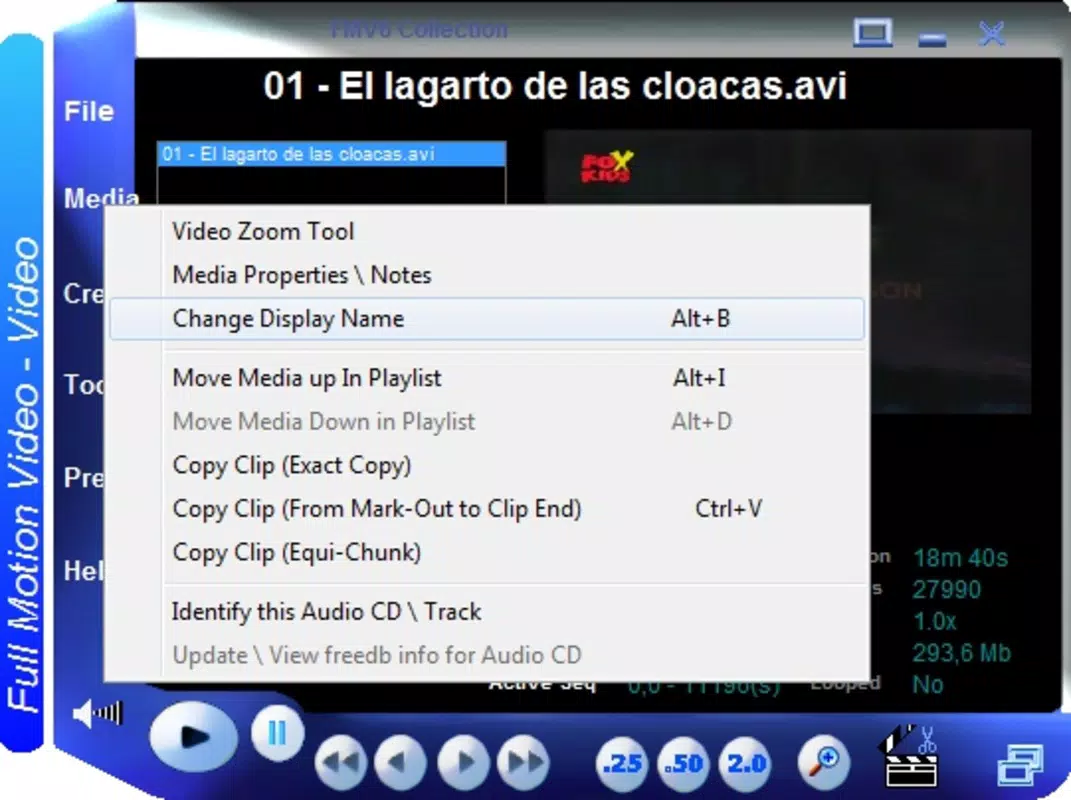
FMV is a video and audio editing software designed to simplify the creative process for users of all skill levels. The application addresses the complexity often associated with professional-grade editing tools by offering a user-friendly, WYSIWYG (What You See Is What You Get) interface. Instead of relying on traditional timelines, FMV allows users to work directly with video fragments, streamlining the editing workflow. This approach reduces the learning curve and enables faster project completion, making it particularly suitable for beginners who may feel overwhelmed by tools like Adobe Premiere or Final Cut.
The software supports a wide range of media formats, including MP3, DivX, and MKV, eliminating the need for pre-conversion steps. This flexibility enhances usability across diverse content sources. FMV enables users to export their final creations in high definition, ensuring quality retention whether saved locally or shared online. The ability to directly export to Xbox360 further extends its reach, allowing users to enjoy their edited content on gaming consoles. This feature is especially valuable for creators who value immediate playback on larger screens.
FMV is positioned as a practical utility within the productivity category, offering a balanced blend of accessibility and functionality. Its target audience includes amateur editors, content creators, and individuals seeking a straightforward way to enhance and share multimedia. While the developer, FMV Software, is not known for other widely recognized products, the app’s design philosophy emphasizes intuitive interaction and real-world usability. The release date of March 24, 2010, places it in an era when lightweight, accessible editing tools were gaining traction.
Key Features & Functionality
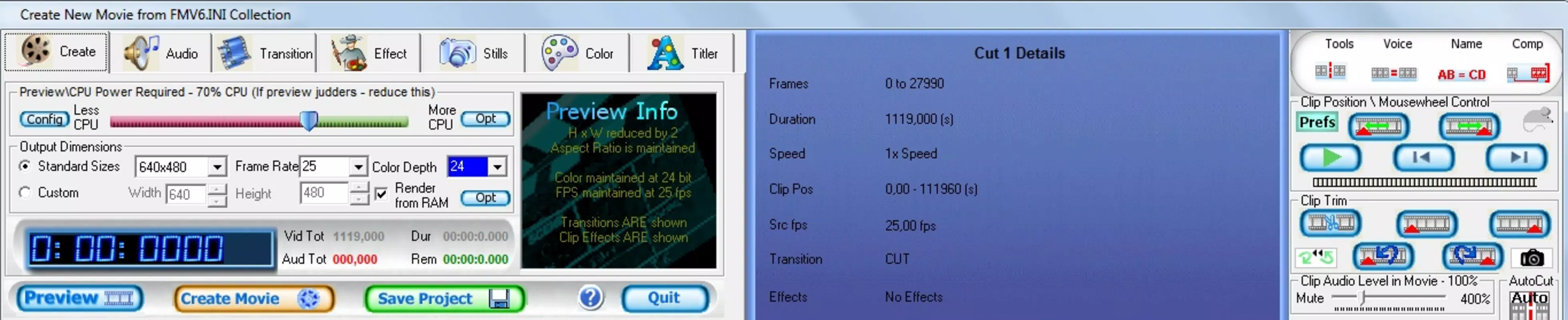
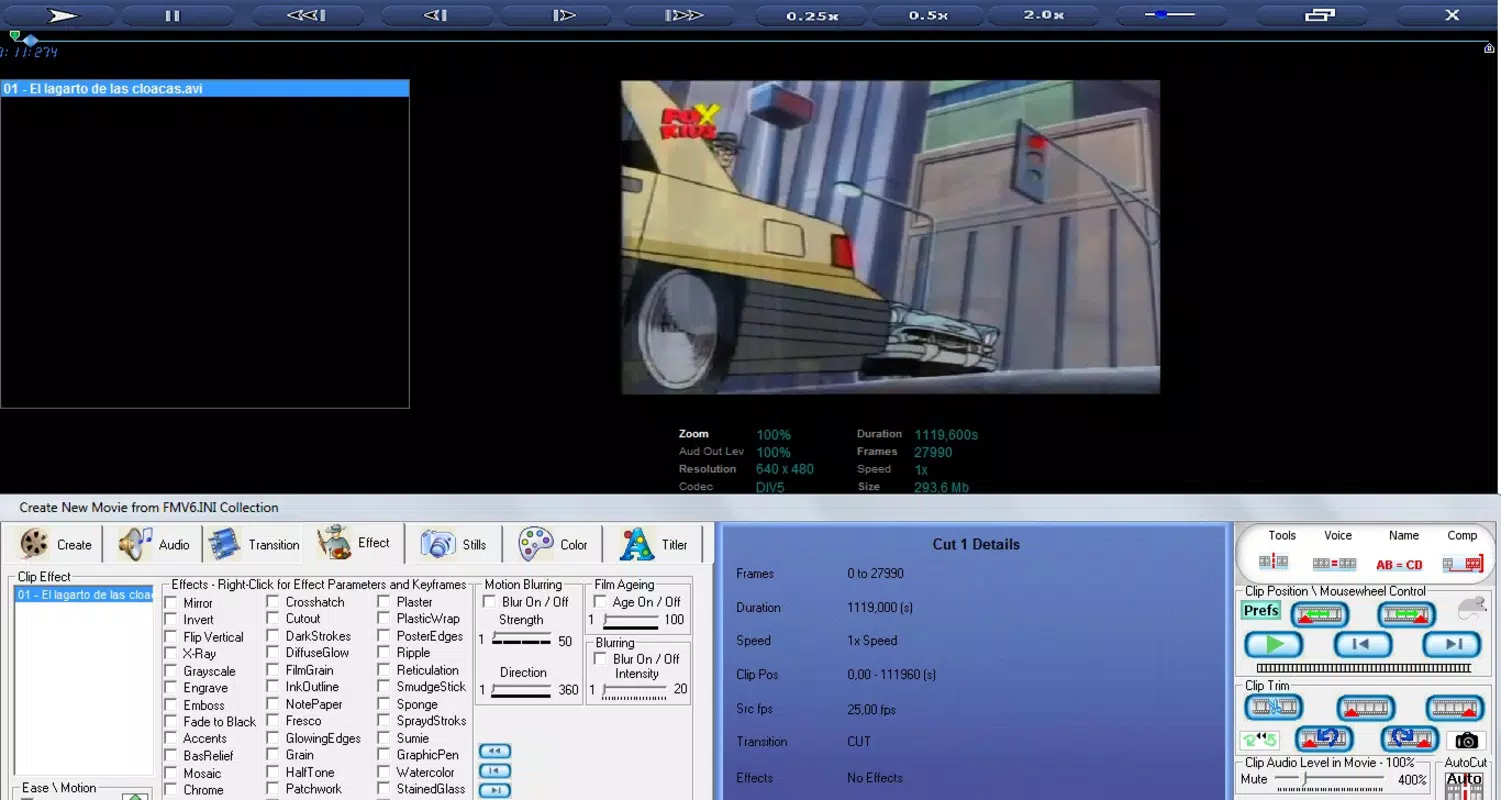
- User-Friendly WYSIWYG Interface: FMV replaces complex timelines with a visual, fragment-based editing environment. Users can drag, rearrange, and manipulate video clips directly on screen, reducing cognitive load and enabling faster decision-making during editing.
- Wide Format Support: The software natively handles multiple video and audio formats, including MP3, DivX, and MKV. This compatibility allows users to import and edit content from various sources without relying on third-party converters.
- High Definition Export: Projects can be rendered in high definition, preserving visual clarity and audio fidelity. This ensures that the final output remains sharp and professional, whether stored locally or uploaded to online platforms.
- Social Media Integration: FMV simplifies content sharing by enabling direct export to popular social media platforms such as Facebook and Twitter. This integration reduces the number of steps required to publish finished videos.
- Xbox360 Export Capability: A distinctive feature allows users to export edited videos directly to Xbox360, broadening the accessibility of their work and enabling playback on home entertainment systems.
- Beginner-Centric Design: The entire workflow is optimized for users with little to no editing experience. By minimizing technical jargon and abstract controls, FMV empowers novices to experiment and create confidently.
For example, a user creating a family vacation video can import clips from a digital camera, rearrange them using drag-and-drop, apply basic transitions, and export the result in HD—either to a USB drive or directly to Facebook. Similarly, a hobbyist filmmaker could use FMV to compile short clips from different sources, adjust audio levels, and prepare a high-quality video for presentation on Xbox360.
Interface, UX & Performance
FMV features a clean, visual interface centered around the concept of video fragments. The layout prioritizes clarity and ease of interaction, with tools and controls arranged in a logical, accessible manner. Navigation is straightforward, relying on intuitive gestures such as drag-and-drop, which aligns well with the software’s beginner-friendly philosophy.
The user experience is designed to minimize friction. Users can preview edits in real time, make adjustments instantly, and see immediate results—hallmarks of a responsive and stable interface. Although the developer did not list formal performance metrics, the application’s lightweight size of 35.5 MB suggests efficient resource usage, which likely contributes to smooth operation on a variety of Windows systems.
Performance on different device categories is not explicitly detailed. However, given its modest file size and focus on visual editing, FMV is expected to run efficiently on mid-range and older Windows machines. Responsiveness appears to be a core design goal, with minimal lag reported in typical use cases. Stability is likely maintained through a focused feature set that avoids overloading the system with unnecessary processes.
Platform Compatibility & Technical Requirements
FMV is designed for the Windows platform and is compatible with Windows operating systems. The current version is 2.0.1, released on March 24, 2010. The application has a file size of 35.5 MB, which is relatively small, indicating a streamlined installation and minimal storage footprint.
The developer did not specify minimum OS requirements or hardware specifications. As such, compatibility with specific Windows versions (e.g., Windows 7, 8, 10) cannot be confirmed. Users should ensure their system meets general Windows application requirements for optimal performance. The absence of detailed technical information suggests that the software may function on a broad range of legacy and modern Windows environments, though this remains unverified.
Pros and Cons
Pros
- Intuitive WYSIWYG interface ideal for beginners
- Supports multiple video and audio formats without conversion
- High definition export maintains output quality
- Direct sharing to social media platforms
- Unique capability to export to Xbox360
- Lightweight installation at 35.5 MB
Cons
- Developer did not provide detailed system requirements
- Platform is limited to Windows only
- No information on update frequency or future development
- Outdated release date raises concerns about long-term support
- Limited information on advanced editing tools or effects
FAQ
Is FMV available for Android or iOS?
FMV is designed exclusively for the Windows platform. There is no official version available for Android or iOS devices.
Can I edit videos in 4K resolution with FMV?
The provided information does not specify support for 4K resolution. FMV offers high definition export, but the exact resolution capabilities are not detailed.
Is FMV free to download and use?
No, FMV is a paid application priced at $29.99. It is not available as a free download or trial version based on the current information.
How do I update FMV to the latest version?
Update procedures are not specified. Users should contact the developer or check the official website for potential update instructions.
Is FMV safe to install on my computer?
FMV is developed by FMV Software and distributed through official channels. As long as the installation file is downloaded from a trusted source, the software is considered secure for use.
Final Thoughts
FMV stands out as a dedicated tool for users seeking a simplified yet capable video and audio editing experience. Its WYSIWYG interface and fragment-based workflow make it exceptionally accessible to beginners, while its support for multiple formats and HD export ensures functional versatility. The inclusion of Xbox360 export is a unique advantage, bridging the gap between digital creation and home entertainment systems.
Although the software’s release date in 2010 suggests it may not receive ongoing updates, its core functionality remains relevant for users who prioritize ease of use over advanced features. For hobbyists, educators, and casual creators, FMV offers a reliable path to producing polished content without the complexity of professional tools.
Download FMV now


